
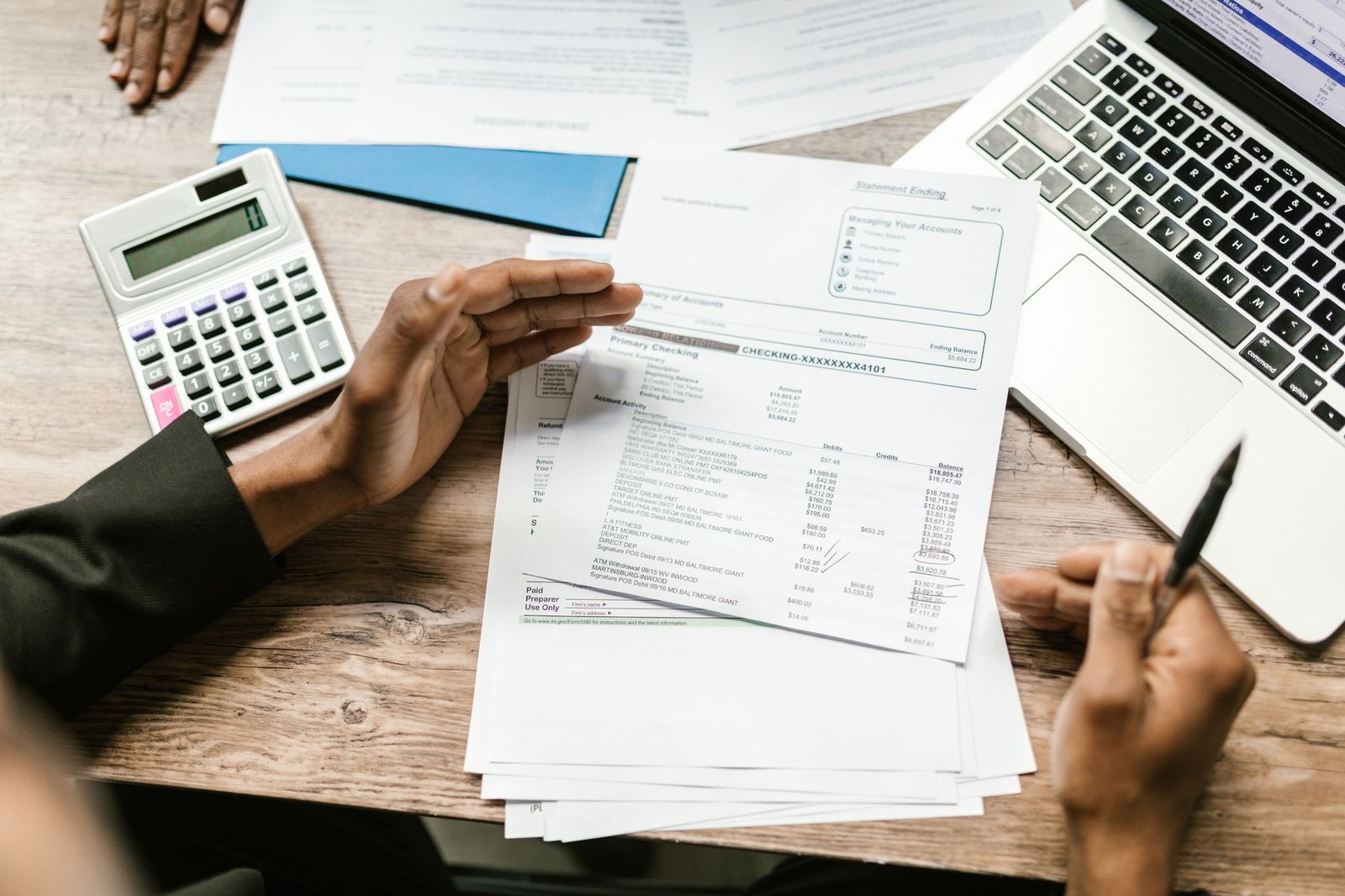
Four in ten Americans say they’ve kept paying for a subscription after they stopped using it. Figuring out how to cancel subscriptions you forgot about is mostly a matter of knowing where to look. To find them, check the places that handle almost all recurring charges: your phone’s app store, Amazon, PayPal, your card statements, and your inbox. Then cancel on each service’s own account page. Deleting the app doesn’t cancel anything. Below: each step, then the exact cancel path for 15 of the most common services.
One habit that prevents most of this: use a single email address for every subscription you sign up for, and check that inbox daily. Almost every service sends a renewal notice a few days before it charges you, but if those notices are scattered across three accounts you’ll never see them in time. When one address holds all of them, the warning actually reaches you.
Key takeaways
- Americans guess they spend about $86 a month on subscriptions; the real figure is closer to $219.
- Five places reveal almost everything: your phone’s Subscriptions screen, Amazon Memberships, PayPal Automatic Payments, one card statement, and your inbox.
- Always cancel where you pay. Deleting an app or letting a card expire does not stop the charges.
- If a company blocks you, dispute the charge with your card issuer and file a report at ReportFraud.ftc.gov.
A forgotten subscription is any recurring charge for a service you no longer use or didn’t realize was still active. Most of them start as free trials, annual plans, or add-ons bundled into something else.
Why forgotten subscriptions add up so fast
When C+R Research asked 1,000 Americans to guess their monthly subscription spend, the average answer was $86. When the same people went through their statements line by line, the real figure was $219, more than two and a half times the guess. In the same survey, 42% admitted they had kept paying for a service after they stopped using it, and 74% said recurring charges are easy to forget. A separate West Monroe survey of 2,500 people in 2021 found that 66% guessed their monthly subscription spend wrong by more than $200.
Almost everything auto-renews, the charges are small and spread out, and many services make it easy to sign up but harder to leave. In April 2026, Bango’s Subscription Signals report put the average US consumer at 5.2 paid entertainment and digital subscriptions. In the same report, nearly a quarter said they spend more on subscriptions than they can afford.
Step 1: Find every subscription you’re paying for

Work through these in order. The phone and Amazon screens are where app and channel add-ons usually turn up.
iPhone and iPad
Open Settings, tap your name at the top, then tap Subscriptions. Every subscription billed through Apple is listed here — active ones at the top, expired ones below. This includes many things you might not expect: news apps, meditation apps, dating apps, cloud storage, and games. You can also see the same list on the web at account.apple.com.
Android
Open the Google Play app, tap your profile icon, then Payments & subscriptions → Subscriptions. Google’s own help page includes a warning worth repeating: uninstalling an app does not cancel its subscription. The charge continues until you cancel it here.
Amazon
On the website, go to Accounts & Lists → Memberships & Subscriptions. In the app, tap the profile icon → Account → Memberships & Subscriptions. This page shows Prime, Kindle Unlimited, Audible, Amazon Music, channel add-ons inside Prime Video, and any app subscriptions bought through Amazon. Subscribe & Save deliveries are managed separately under that heading.
PayPal
Log in, open Settings → Payments → Automatic payments (labelled “Subscriptions and saved businesses” in some views). Anything billed through PayPal appears here with a Cancel option. This is where a lot of small software and web-service subscriptions hide.
Your credit card and bank statements
Some card issuers now show recurring charges as a group. In the Capital One app, open a card and look for Expected Transactions. Capital One can also cancel with participating merchants, or block a recurring charge for 12 months. Blocking stops the payment, but it does not end your agreement with the merchant. Chase cardholders can open a card in the Chase Mobile app, swipe up to Account Services, and tap Stored cards. That screen shows where the card is saved and lets you review repeating charges. If your issuer has no such tool, download the last three months of statements and sort by merchant name. Anything that appears at the same amount each month is a subscription.
Your inbox
Finally, search your email for phrases like “your receipt,” “renewal,” “your trial,” and “subscription confirmed.” Receipts for annual plans are easy to miss because they arrive only once a year. This search also turns up charges on a card you’ve since replaced. If you have several email accounts, search all of them, then move everything to one address going forward.
Step 2: How to cancel subscriptions on each service’s own account page
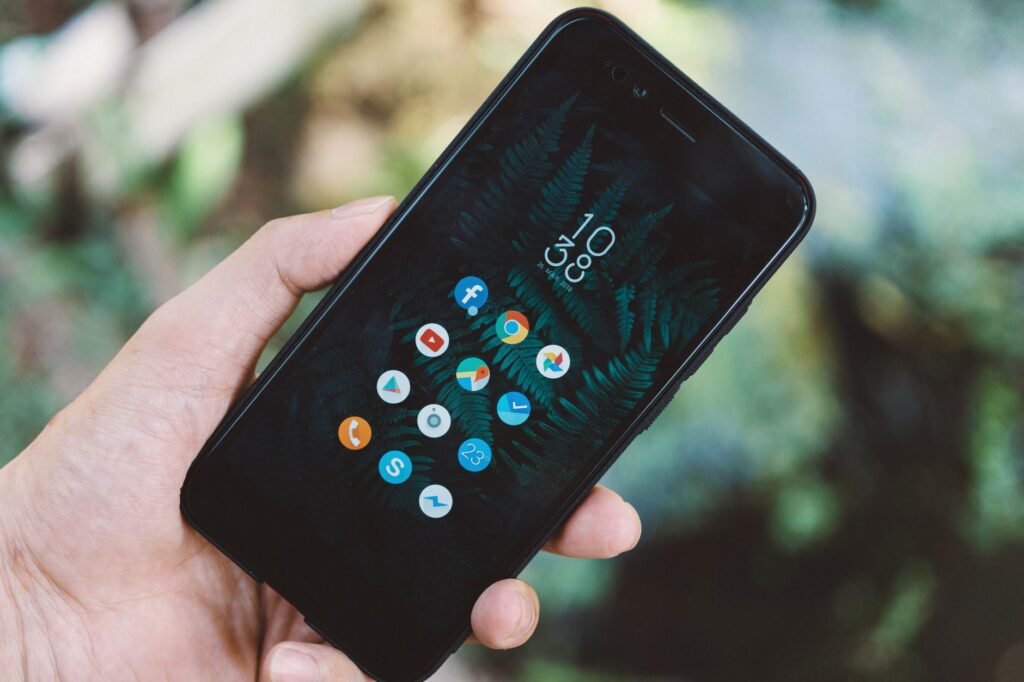
The rule that applies to every service: cancel where you pay. If you subscribed through Apple, Google Play, Amazon, or your cable provider, cancel there. If you signed up on the company’s website, cancel on the company’s website. Deleting the app, signing out, or letting a card expire will not stop the charges. Netflix, HBO Max, and Google all say this in their help pages.
| Service | Where to cancel (direct billing) | Worth knowing |
|---|---|---|
| Netflix | netflix.com/cancelplan → Cancel → Finish Cancellation | You can pause for up to 3 months instead of cancelling. |
| Spotify | Account → Manage your plan → Cancel subscription | Family and Duo members must ask the plan manager. |
| Amazon Prime | Account → Manage Prime Membership → End membership | If you haven’t used any Prime benefits this period, Amazon refunds it. |
| Disney+ | Profile → Account → your subscription → Cancel Subscription | Billed through Apple, Google, or Amazon? Cancel there instead. |
| Hulu | secure.hulu.com/account → Your Subscription → Cancel | The mobile app sends you to the browser to finish. |
| HBO Max | hbomax.com/subscription → Cancel Your Subscription | Deleting the app does not cancel. |
| YouTube Premium | youtube.com/paid_memberships → Cancel | A pause option is available. |
| iCloud+ / Apple One | Settings → your name → Subscriptions → select → Cancel | Downgrading iCloud storage is on the same screen. |
| Microsoft 365 | account.microsoft.com/services → Cancel subscription | Storage drops to 5 GB; OneDrive files over the limit can be deleted after 6 months. |
| Adobe Creative Cloud | account.adobe.com → Manage plan → Cancel your plan | Full refund within 14 days. After that, an annual plan paid monthly charges 50% of the remaining balance of the contract as an early termination fee. |
| Peloton | onepeloton.com → My Membership → Manage Membership | App-only memberships bought via Apple or Google are cancelled in that store. |
| Planet Fitness | Member portal online, in person at your home club, or by mail | Requests must reach your home club by the 10th to stop the monthly charge on the 17th. A $58 buyout applies on minimum-term plans. |
| Audible | Account Details → Cancel membership | Unused credits are lost (credits bought through Apple or Google stay); books you bought stay in your library. |
| The New York Times | Account → Subscription Overview → select → Cancel | A separate Athletic subscription is not cancelled with it. |
| Dropbox | Avatar → Manage account → Cancel plan | Drops to the free 2 GB plan at the end of the billing cycle. |
Before you click the final confirm button, take a screenshot of the confirmation page and keep the confirmation email. If a charge appears anyway, that screenshot is what you’ll send to the company and, if needed, to your card issuer.
Step 3: How to cancel a subscription when the company won’t let you
Some companies bury the cancel button, require a phone call, or keep charging after you’ve cancelled. The FTC’s advice: keep records of every attempt. Dispute the charge with your card issuer, online or by phone, and follow up in writing. You can also report the company at reportfraud.ftc.gov and to your state attorney general.
Federal law is on your side, though less firmly than it nearly was. The Restore Online Shoppers’ Confidence Act is the main federal law here. It requires companies that sell subscriptions online to disclose the terms clearly, get your express consent, and provide a simple way to stop recurring charges. The FTC’s broader “click-to-cancel” rule would have gone further, requiring cancellation to be as easy as sign-up. A federal appeals court struck it down on July 8, 2025, six days before full enforcement was due. The court’s reason was procedural: the FTC had skipped a required economic analysis. The FTC opened a new rulemaking in March 2026. No replacement rule is in force as of August 2026.
If you live in California, state law goes further. Since July 2025, companies must let you cancel the same way you signed up, so an online sign-up means an online cancel. They must also show a clear cancel link in your account settings and send annual reminders of what you’re paying and how to stop.
Should you pay an app to do this for you?
Subscription-tracking apps connect to your bank and list recurring charges automatically. They’re useful if you have many accounts. Read the pricing before signing up, because most of them are subscriptions themselves.
| App | Price (2026) | Cancels for you? |
|---|---|---|
| Rocket Money | Free tier; Premium $7 to $14 a month | Yes, on Premium only. Bill negotiation charges 35% to 60% of first-year savings. |
| Copilot Money | About $13/month or $95/year (iPhone, iPad, Mac, and web; no Android app) | No, tracking only. |
| Monarch Money | Core plan $14.99/month or $99.99/year (a $199/year Plus tier exists) | No, tracking only. |
For most people, the free route works: the checks in Step 1 take about 20 minutes once, and a recurring calendar reminder every three months keeps the list clean. If you want an app, Rocket Money’s free tier does the finding; you only need Premium if you want it to handle the cancelling.
How to keep subscriptions from piling up again
- Use one email address for every subscription, and read that inbox daily. Renewal notices only help if you see them.
- When you start a free trial, set a phone reminder for two days before it ends.
- Missed a renewal notice anyway? Contact support the same day and ask for a refund of that charge. Asking fast is what makes the difference.
- Pay for subscriptions with one card, so there’s a single statement to review.
- Prefer monthly billing for anything you’re unsure about; annual plans are cheaper but easier to forget and harder to refund.
- Once a quarter, open your phone’s Subscriptions screen and cancel anything you haven’t opened in a month.
Frequently asked questions
Does deleting an app cancel the subscription?
No. You have to cancel from the Subscriptions screen or the service’s account page (see Step 2).
Will I lose access immediately?
Usually not. Most services keep the subscription active until the end of the period you’ve already paid for, then stop. Adobe and Amazon Prime are the two with real refund rules, described in the table above.
Can I get a refund for a subscription I forgot about?
Often, if you ask quickly. Amazon refunds a Prime period you haven’t used, Adobe refunds within 14 days, and Apple lets you request a refund at reportaproblem.apple.com. For everyone else, contact support the day you notice the charge and ask for a refund of that one renewal. In my experience this works far more often than it fails, especially when you haven’t used the service since it renewed. The ones I’ve lost were the ones I waited weeks to ask about.
Can I just block the charge with my bank?
You can, and some issuers make it easy, but it doesn’t end your contract with the company. They may send the account to collections or keep trying to bill. Cancel with the company first, then block if they keep charging.
The bottom line
Check your phone’s Subscriptions screen, Amazon, PayPal, and one card statement. Cancel on each service’s own account page, and keep the confirmation. Twenty minutes today, plus a reminder every three months, is enough to stop paying for things you don’t use. More guides on where money leaks are coming in our Money section, including what to do now that the SAVE student loan plan has ended.
Sources: Apple Support – Cancel a subscription; Google Play Help – Cancel a subscription; PayPal Help; Capital One – Recurring transactions; Chase – Stored cards; Netflix Help; Spotify Support; Amazon – End your Prime membership; HBO Max Help; YouTube Help; Microsoft Support; Adobe – Cancel your subscription; Adobe – Cancellation details for common plans; Planet Fitness – Customer service; Dropbox Help; FTC – Tried to cancel a service and couldn’t?; FTC – Restore Online Shoppers’ Confidence Act; Apple – Request a refund; Disney+ Help – Cancel; Hulu Help – How to cancel Hulu; Peloton – Manage your membership; Audible Help – Cancel; FTC press release, March 2026; Latham & Watkins – Eighth Circuit vacates click-to-cancel rule; Cooley – California Automatic Renewal Law amendments; C+R Research, 2022; West Monroe, 2021; Bango Subscription Signals 2026, as reported by The Desk; Copilot Money pricing; Monarch Money pricing; Rocket Money pricing.
12 thoughts on “How to Cancel Subscriptions You Forgot You Had (Every Major Service)”
Comments are closed.